Git, without the guesswork
Git Good is a fast, native desktop app for Git. Browse 100,000 commits without a stutter, stage single lines, tidy a branch with an interactive rebase, and undo any rewrite from Recovery. Every action runs the same Git commands as the command line.
What it does
-
History that keeps up
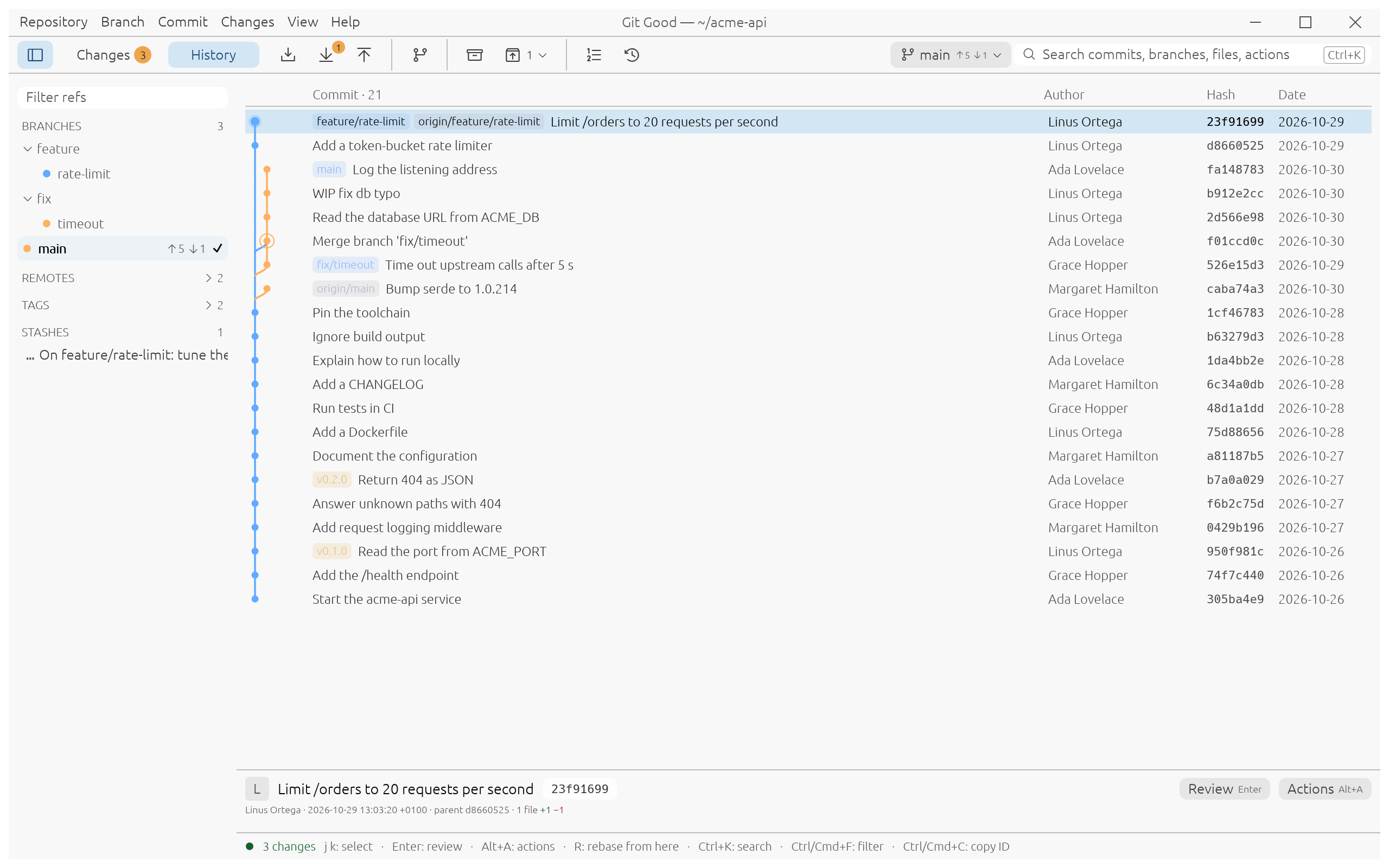
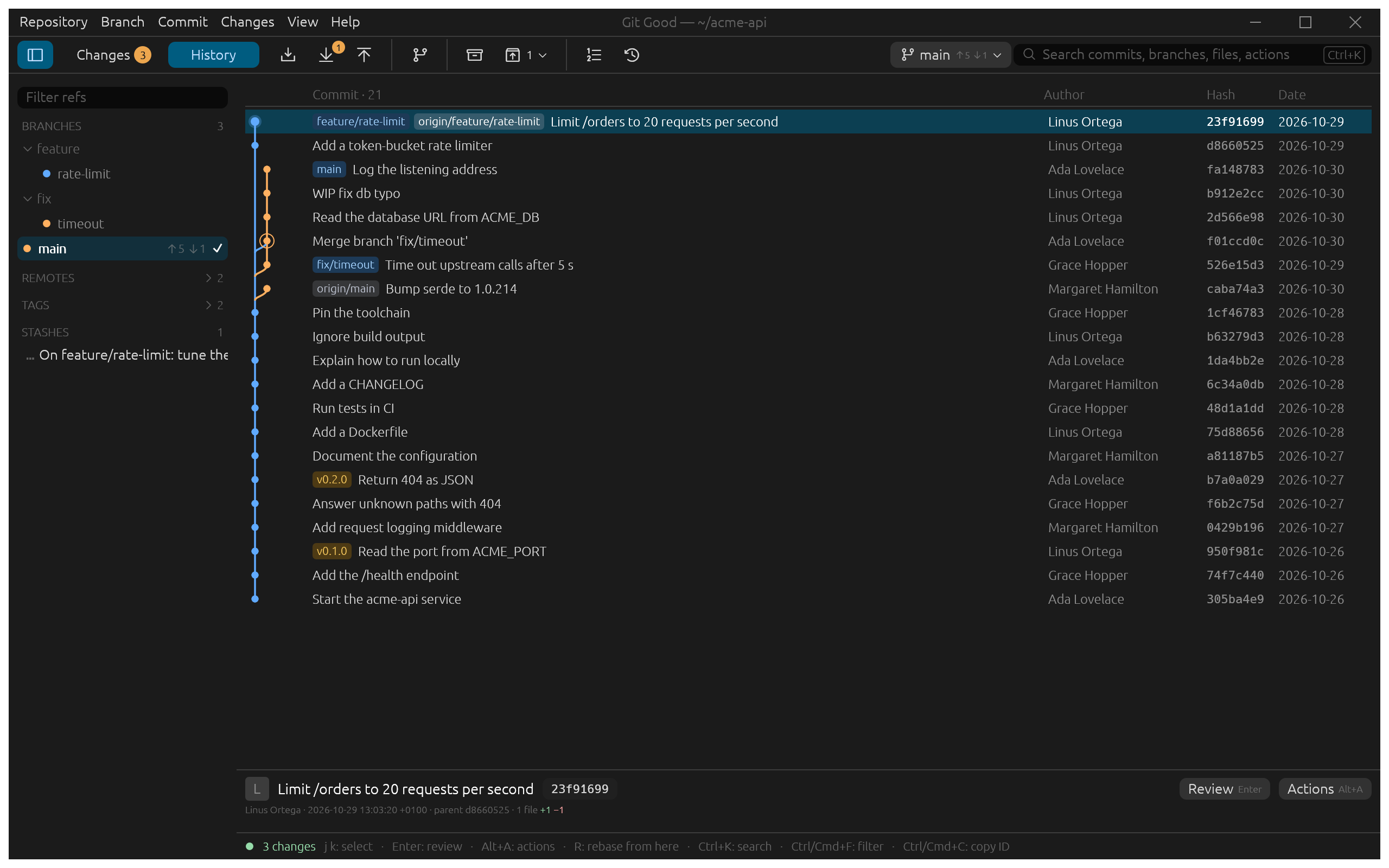
Commit lanes, branch, remote and tag pills, and a refs sidebar that filters as you type. History streams in pages, so the first rows show before the rest is read.
-
Review like a reviewer
Press Enter on a commit to read every file inline or side by side, with word-level highlights, blame, file history and image previews.
-
Commit exactly what you mean
Stage a file, a hunk or one line. Unstaged and staged changes sit side by side, with the commit box under the diff.
-
Interactive rebase you can see
Pick, reword, reopen, squash, fixup, drop and reorder, with each commit's diff beside the plan and the result count before you start.
-
Conflicts, one block at a time
Base, ours and theirs side by side, with Ours, Theirs, Ours + theirs and Theirs + ours on each block, and a live result preview before you stage.
-
Every rewrite can be undone
Before each rebase, amend, rewrite or reset, Git Good saves the old tip as a private backup ref. Recovery lists them, with the reflog, and restores in one step.
Built for real work
Git Good is a native Rust application drawn with egui. It does not embed a browser, and it runs the git on your PATH, so your hooks, credential helpers, signing setup and configuration all apply. The same operations are available from scripts as git good --cli …, which prints JSON.
-
Tidy a branch before review
Fold a "WIP" commit into the one it fixes, reword a subject, and push. One dialog, and a backup in case you change your mind. Use case
-
Your teammate pushed first
The toolbar shows ahead 5, behind 1. Pull rebases your work onto theirs, and a conflict is resolved in the same window. Use case
-
Ship half of your edits
A debug line and a fix live in the same file. Stage the fix by line, commit it, and keep the rest for later. Use case
-
Resolve a conflict without markers
Base, ours and theirs side by side, a key per choice, and a sentence that says which side is yours. Use case
-
Undo the wrong rewrite
The branch before the rewrite is one click away in Recovery: restore it, or branch from it. Use case
-
Automate it
git good --cli status,history,rewriteand others print JSON with stable keys and documented exit codes, for CI and editor integrations. Scripting with the CLI
Light, dark, wide or narrow
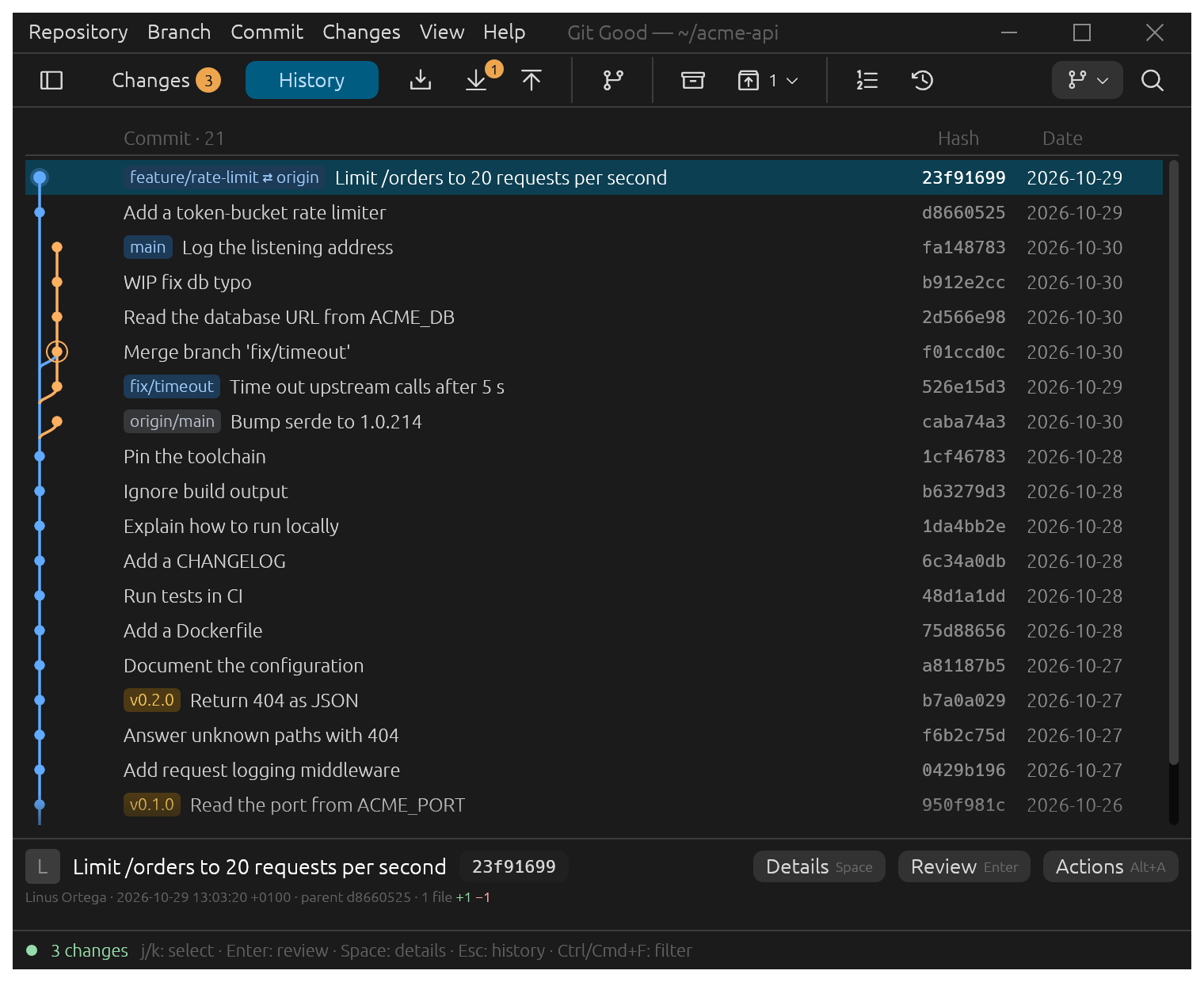
The window follows your system theme and adapts to narrow windows: the sidebar folds away and the details stay readable.