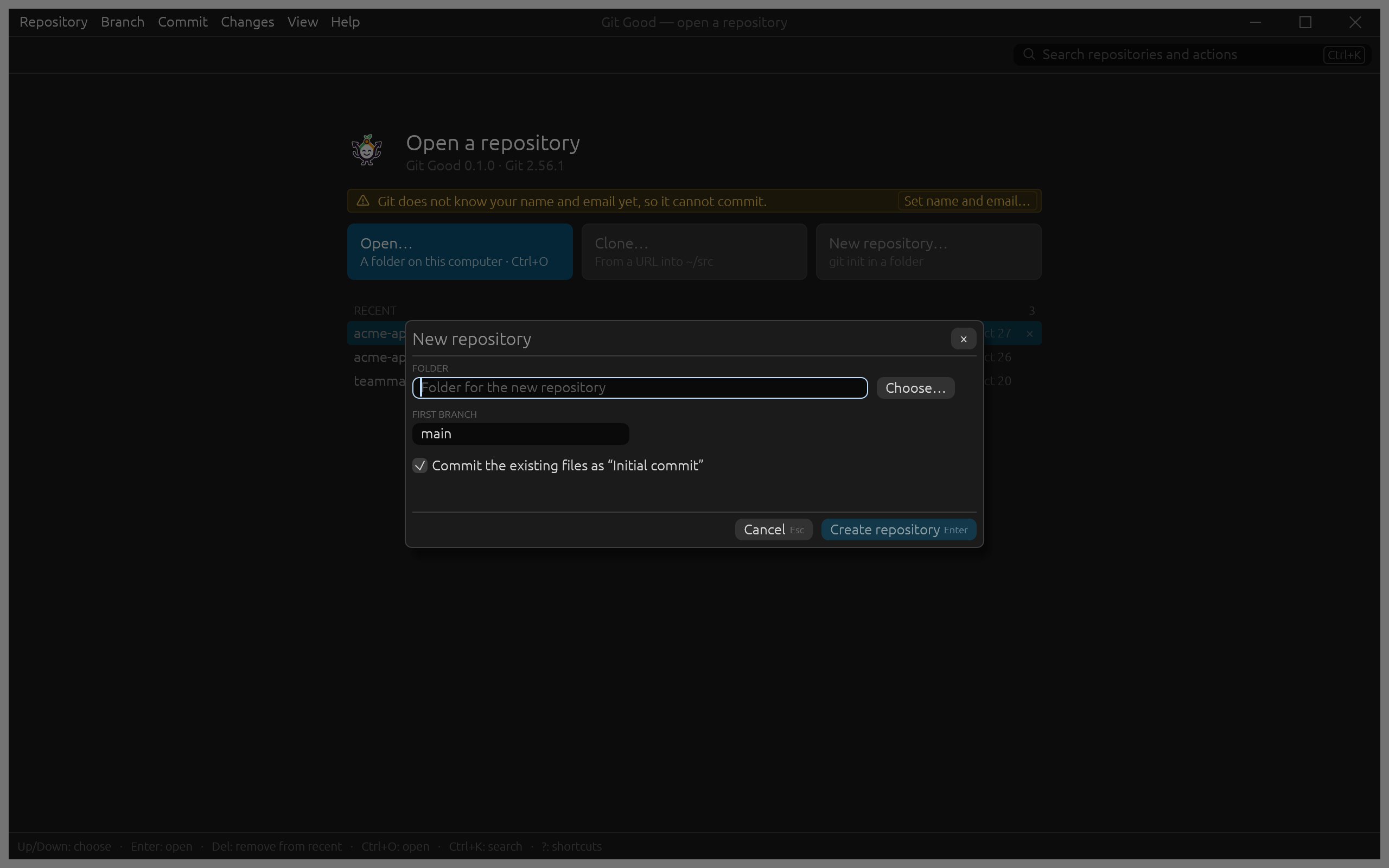
Clone or create a repository
Both start from the welcome view or the Repository menu.
Clone
Choose Repository › Clone…. If the clipboard holds a repository URL, it is already filled in.
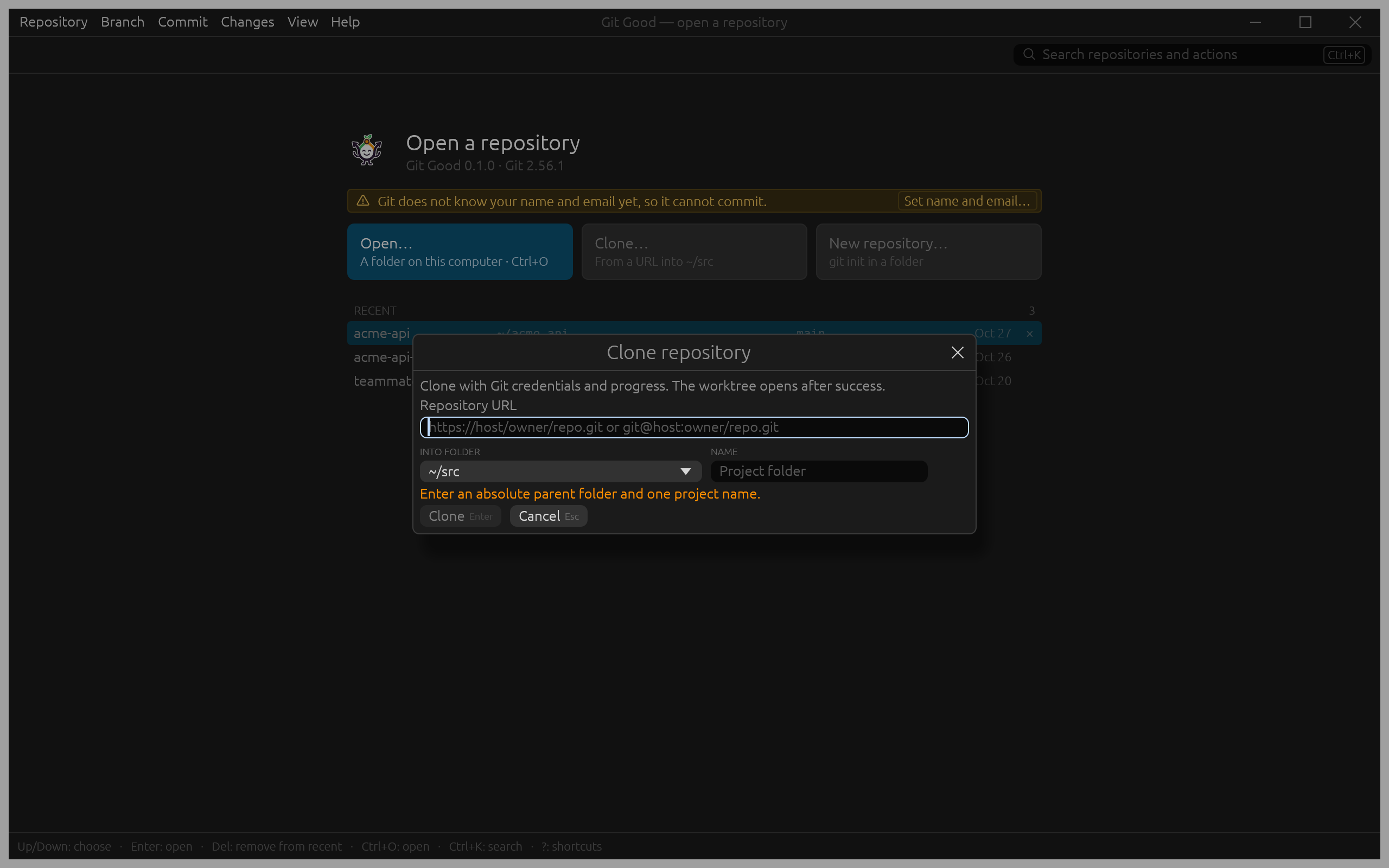
- Into folder offers your clone folders (Preferences › General) with the preferred one checked, the folder you started Git Good from, and Choose another folder….
- Name follows the URL (
acme-apiforgit@github.com:acme/acme-api.git); the line below shows the full target. - Progress shows in the footer, and the new repository opens when Git finishes. A folder that exists and is not empty is never touched.
Git Good uses your own Git, so SSH keys and credential helpers work as on the command line. When credentials are missing, Git Good says so instead of waiting for a password prompt.
Create a repository
Choose Repository › New repository…, pick a folder and the first branch name. With Commit the existing files as "Initial commit" on, the files already in the folder (minus what .gitignore excludes) become the first commit.