Find your way in history
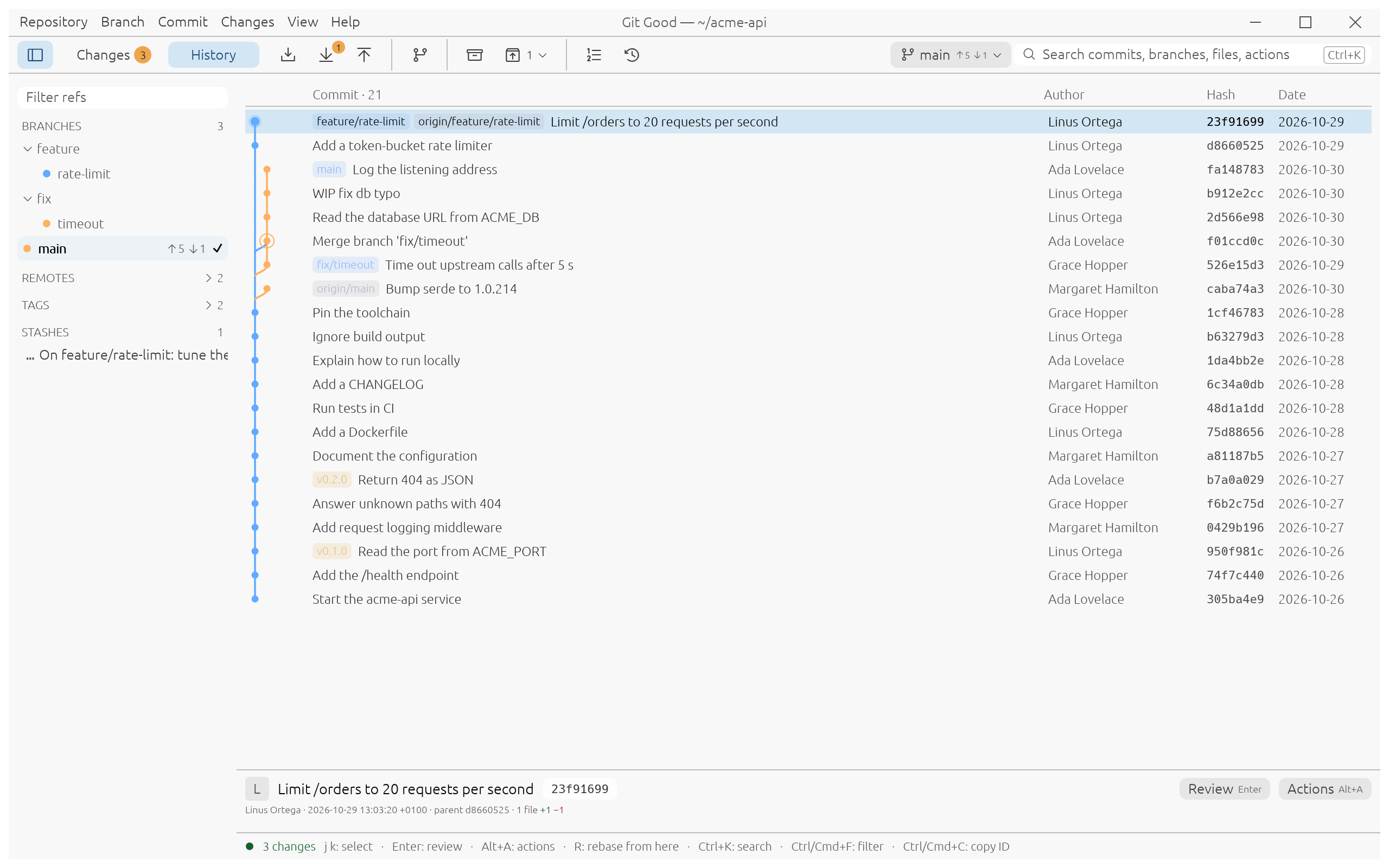
History is the view Git Good opens on. It streams the log in pages: the first rows appear in about 150 ms even on a 100,000-commit repository, and you can scroll while the rest loads.
Read the graph
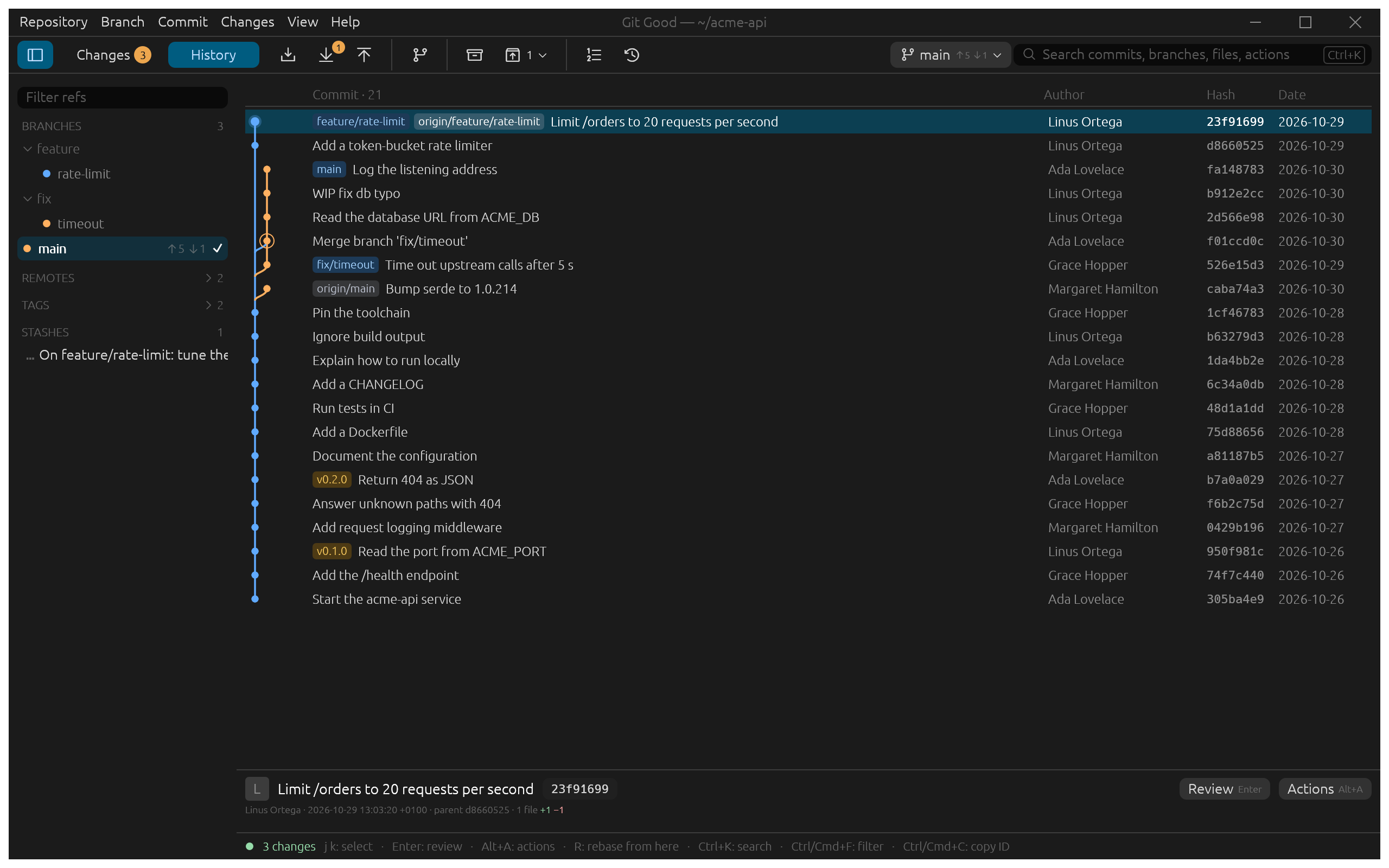
- Each row is a commit. The lane on the left shows where branches split and merge: here
fix/timeoutwas merged intomainwith a merge commit. - Pills name the branches, remote branches and tags on a commit.
origin/mainsits on Bump serde to 1.0.214: your teammate's commit, which you fetched but have not pulled. - The current branch is bold in the sidebar, with a check mark and its tracking counts (
↑5 ↓1).
Move around
| Key | Does |
|---|---|
| J / K or arrows | Select the next or previous commit |
| Space | Show or hide the details |
| Enter | Review the selected commit |
| Alt+A | Open the commit's actions: cherry-pick, revert, reword, fixup, drop, rebase from here, reset… |
| Ctrl+C | Copy the commit ID |
| Ctrl+F | Filter history by message, author or ID |
Narrow it down
Filter refs at the top of the sidebar keeps only the branches, remotes and tags that match what you type. Branch folders such as feature/ and fix/ fold, and remotes and tags stay collapsed until you open them.
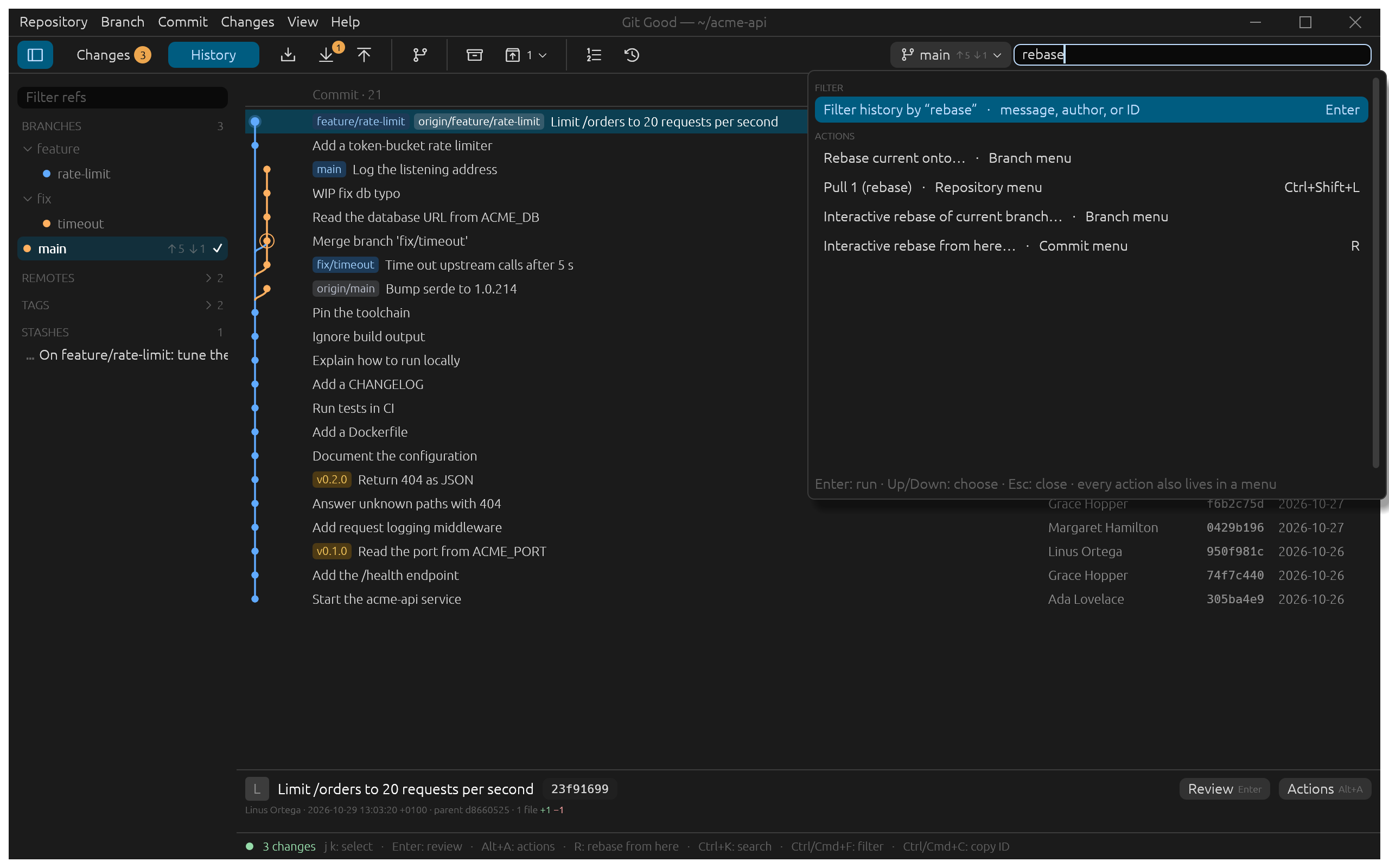
To filter the commits themselves, start typing in search (Ctrl+K) and choose Filter history by "…". The filter matches the message, the author or the commit ID.
Any window size, either theme
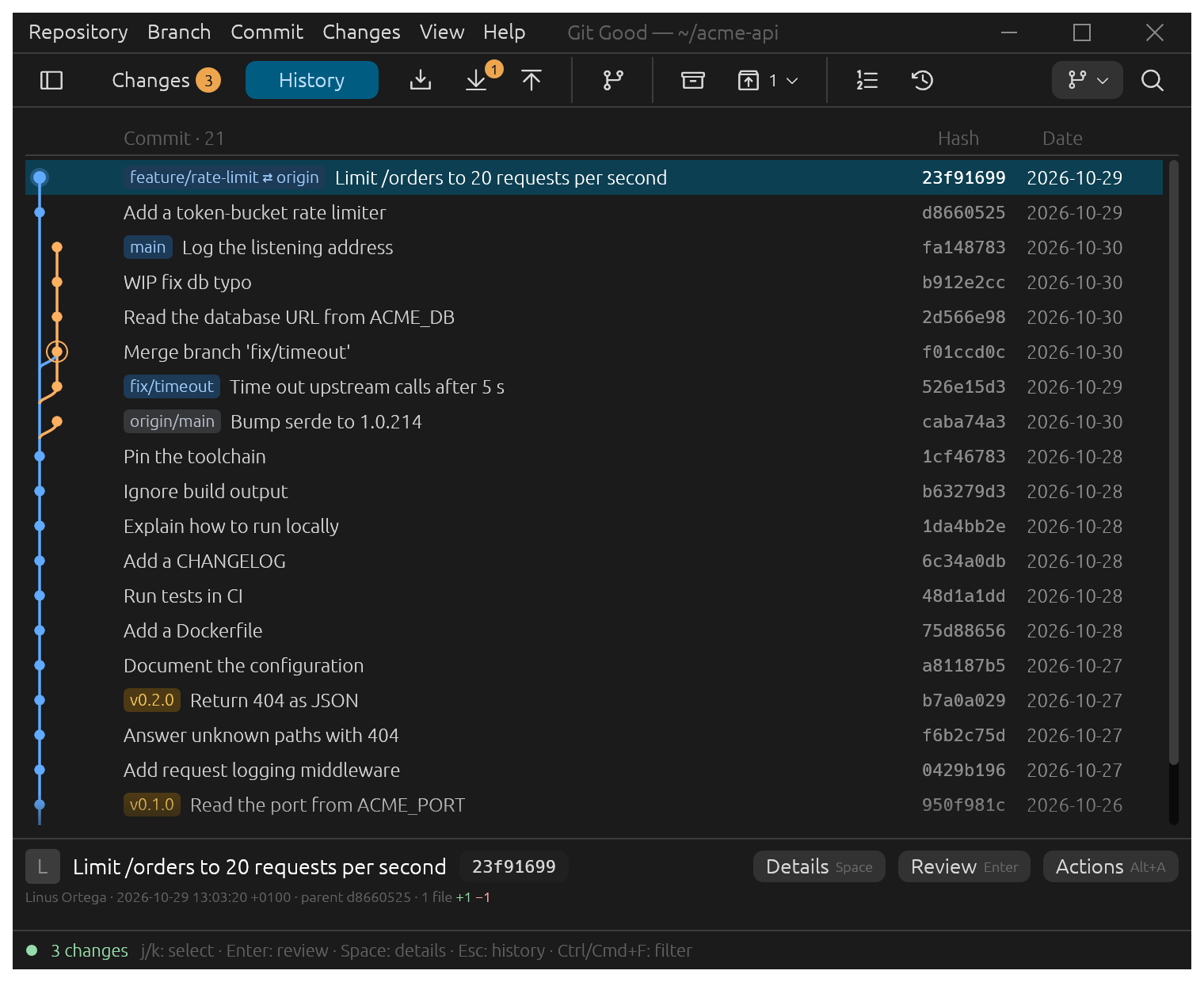
At narrow widths the details fold under the list and the columns shrink; the light theme follows your system or Preferences › Appearance.